One Bluetooth Earbud Is Silent: Check Charge, Fit and Audio Balance
One silent earbud can involve the source, balance setting, charging contact or the accessory itself. Test gently at a safe volume and use the model’s procedure before attempting a reset.
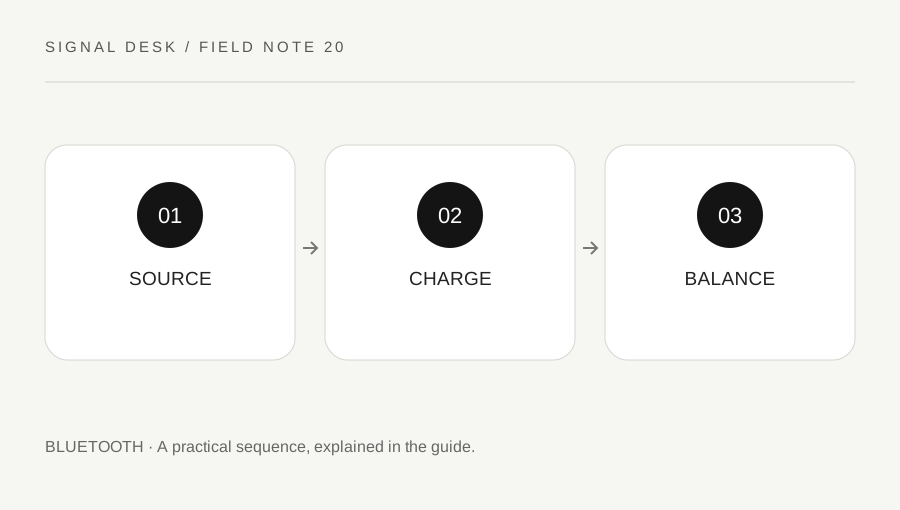
Original explanatory diagram. Numerical examples in this guide illustrate the reasoning; they are not a claim of hands-on testing.
Describe the silence without raising volume sharply
Start at a comfortable low volume and confirm whether one side is completely silent or simply quieter. Try a familiar non-sensitive audio sample and another source if available. Some recordings intentionally place different material in each channel, so one moment in one track is not a complete test. Stop using the accessory if it causes pain, has visible damage or becomes unusually hot.
Check the fit and physical condition according to the manufacturer’s care guidance. Do not push objects into the sound outlet, use liquids or remove mesh unless the model instructions explicitly support the procedure. A blocked opening and a disconnected earbud can feel similar during listening but require different handling. Keep the test focused on the accessory and source rather than drawing conclusions about hearing from a device malfunction.
Check charging and system balance
Use the supported indicators to compare charge status for the individual earbuds where the model provides that information. Inspect the case and seating gently, following official cleaning and charging instructions. Do not bridge contacts, scrape components or use an improvised power source. A case light may describe the case rather than prove that both earbuds have charged successfully.
Review the host’s audio balance or accessibility controls if available, using current system help. A balance set strongly toward one side can explain why the same accessory behaves differently across devices. Record the original value before changing it. Also check the application’s selected output. Do not assume that a paired accessory entry confirms that both earbuds are connected and receiving the intended audio.
Work through two small comparisons
Imagine one earbud is silent on a laptop but both play normally on the owner’s phone with the same familiar clip. That comparison makes the laptop’s balance and application path useful next checks. It does not establish that the silent side is physically broken. Keep the phone result unchanged while investigating the laptop so you retain a working baseline.
Now imagine the same earbud is silent on both supported hosts and shows no charge in the accessory’s own status display. Follow the model’s seating, charging and support instructions. Some models have a documented procedure to synchronize earbuds or re-pair them, but the sequence is not universal. Do not copy a button combination intended for another model, particularly if it clears all stored connections.
Verify recovery and recognize the service boundary
After any supported adjustment, repeat the original audio test at a safe level and confirm both sides in the intended application. Recheck after returning the earbuds to the case if that was part of the failure pattern. Record a temporary recovery as temporary, especially if one side loses charge again much sooner than the other.
Contact the manufacturer when a side remains unavailable, the case or earbud is damaged, or charging behaves abnormally. Provide the exact model, host comparisons and charge observations without sending private account details. The tool and guides cannot diagnose hearing symptoms; if an unusual hearing change persists without the accessory or causes concern, use an appropriate health professional. Keep equipment troubleshooting separate from assumptions about a person’s hearing.
Use a source that actually includes both channels
Choose a familiar sample with clear material intended for both sides, or an official supported channel test, rather than relying on an arbitrary instant of a recording. Keep the volume comfortable and do not repeatedly increase it when a side is silent. Note whether the same source behaves normally through another supported output. This is an equipment comparison, not a hearing assessment. If the symptom remains when no accessory is being used or involves discomfort, stop the device experiment and seek an appropriate professional opinion.
A practical checklist
Tick items for your own use. This checklist is saved only in this browser.
Questions that come up
Should I turn the volume high to hear the quiet side?
No. Keep a safe level and investigate source, balance, charge and the accessory condition instead of compensating with a sudden increase.
Does a case light prove both earbuds charged?
Not necessarily. Read the exact model indicators and check individual status where supported.
Can I use any online reset sequence?
Use the procedure for the exact model. Button combinations and the effects of a reset differ between accessories.
References & scope
Background references checked on 18 October 2026. The examples and practice exercises are original editorial explanations, not copied procedures or professional advice.