How to Write a Troubleshooting Note That Support Can Use
A short, structured record makes technical support easier and prevents the same unsuccessful steps being repeated. Keep observations separate from guesses and share only the details needed.
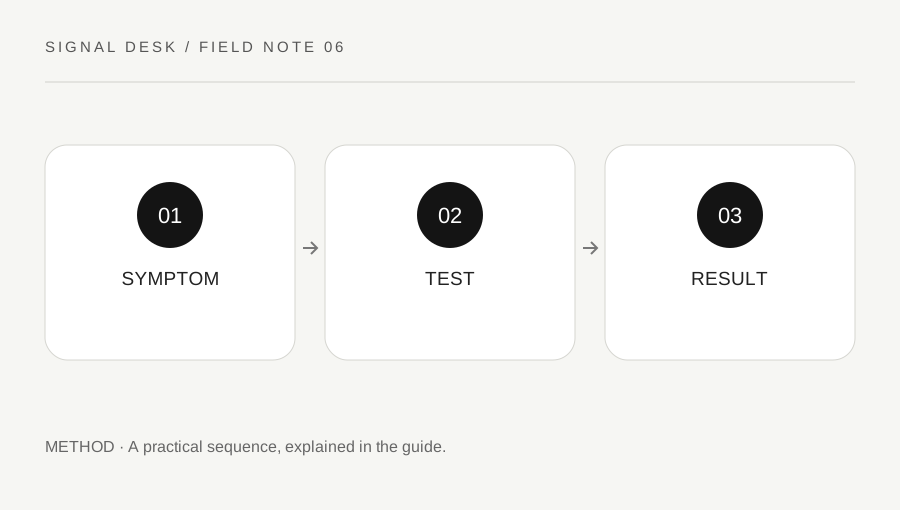
Original explanatory diagram. Numerical examples in this guide illustrate the reasoning; they are not a claim of hands-on testing.
Start with one sentence about the failure
Name the device, the task and the visible outcome. “The home printer appears offline on my laptop, but prints from my phone” gives a useful comparison. “It is broken” does not show what was attempted. Include the approximate start time and whether the problem happens every time, after sleep, in one room or only in a particular application.
Use the exact error wording when possible. If the error contains an account name, document title or private address, keep an unshared original and redact the copy you send. Avoid converting an error into a diagnosis prematurely. A message about a connection does not establish that the router is defective, and a slow application does not prove that the internet service is slow.
Record a minimal environment
Write down the relevant operating-system version and device model. For a printer problem, include the printer model and connection method. For a Bluetooth problem, include the accessory model and the affected application. A support person may ask for a more precise version later, but a reliable basic record is better than a long inventory copied from an unrelated computer.
Mention recent changes without assuming they caused the fault. A router replacement, application update, changed location or new accessory is a useful clue. Separate “the problem began after this” from “this definitely caused the problem.” Do not publish serial numbers, login credentials, recovery codes, full network reports or remote-access codes in a public forum. Support requests do not need every identifier merely because it is available.
Keep a test log with one change per row
For each attempt, record the question, the action and the result. For example: question, does the printer itself work; action, built-in test page using model instructions; result, prints normally. This shows why the test matters. A list containing only “restarted, reinstalled, reset” hides the useful observations and may encourage the next person to repeat them.
If a change affects settings, record the original state and how to restore it before making the change. Mark anything you could not complete because you lacked permission or the control was absent. Do not improvise a substitute command from an untrusted page. Reversible tests, saved work and clear authorization matter particularly on shared or managed devices where a local change can affect someone else's connection.
Turn a messy history into a concise example
Imagine a week of intermittent headphone trouble. A useful note might read: laptop, current system version recorded; accessory connects; system sounds play; meeting application is silent; meeting output points to the monitor; selecting headphones restores meeting sound; problem returns after docking. This example is illustrative, not a claim about a particular headset or docking station.
The final sentence gives support a repeatable trigger to investigate. Add the docking device model if requested and the time of a recent recurrence. Leave out unrelated attempts that had no connection to the symptom, while retaining the full private log. If an earlier action briefly helped, include the duration. Temporary improvement and consistent repair are different outcomes, and the difference can be the most useful part of the record.
Escalate through a trusted route
Use a support link reached through the manufacturer's official website, the provider's known application or your organization's help desk. Be cautious of unsolicited messages offering to repair the exact issue you just searched for. A search result or pop-up telephone number is not sufficient evidence that someone represents the company. Do not install remote-access software because an unexpected caller instructs you to do so.
End your note with the help you need: interpreting an error, checking a service outage, verifying a supported driver, or arranging repair. Attach only relevant redacted screenshots. Keep the case number and update the log when support proposes another test. Once the issue is resolved, record the action and verify the original task. This gives you a useful reference if the same symptoms return without turning your notes into an unverified universal fix.
A practical checklist
Tick items for your own use. This checklist is saved only in this browser.
Questions that come up
Should I include every command I found online?
Include commands you actually ran and their relevant results, keeping private output redacted. Do not run more commands simply to make the report look comprehensive.
How long should the first message be?
A short summary, environment and several decisive test results are usually easier to use than an unstructured transcript. Keep the detailed record available.
What if I cannot reproduce the issue?
Record when it happened, what was running and which conditions differed. Mark the issue as intermittent instead of inventing a reliable trigger.
References & scope
Background references checked on 18 October 2026. The examples and practice exercises are original editorial explanations, not copied procedures or professional advice.