Bluetooth Keeps Disconnecting: Track Power, Distance and Host Switching
An intermittent Bluetooth fault is easier to investigate when you know when it disconnects and what changes around it. Compare a stable baseline before clearing pairings or replacing hardware.
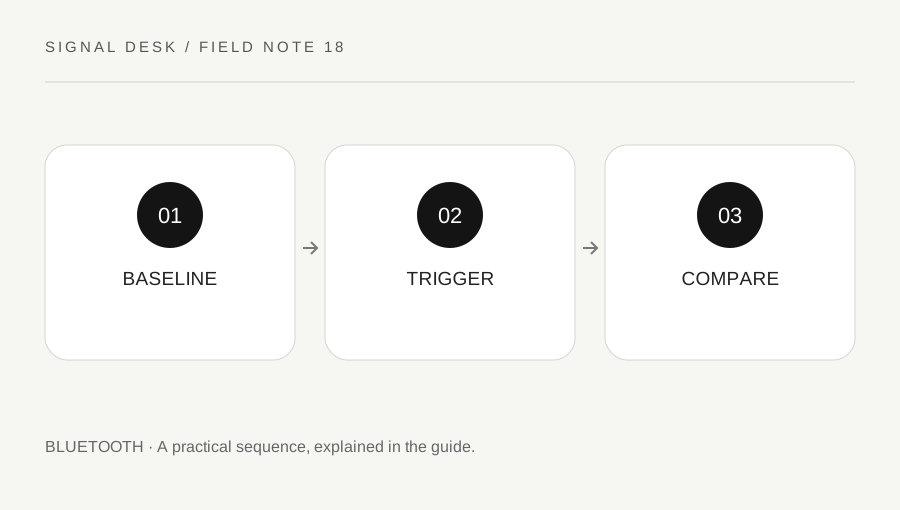
Original explanatory diagram. Numerical examples in this guide illustrate the reasoning; they are not a claim of hands-on testing.
Record a practical baseline
Charge or power the accessory according to its instructions and place it near the intended host. Keep the first test stationary and use an ordinary task, such as typing or playing a short audio clip at a safe volume. Record whether the device disconnects completely, remains connected but stops responding, or merely has broken-up audio. Those observations lead to different questions.
Note the host, accessory model and approximate time before the fault. Include whether the host is on battery, docked or waking from sleep. Do not assume the distance printed in product advertising describes every room and obstacle. The baseline is a controlled comparison in your actual setting, not an attempt to reproduce an ideal range claim.
Compare power and other remembered hosts
Check battery status through the accessory’s supported method. A battery indicator is useful context, but one displayed percentage does not diagnose every shutdown. Stop using a device that is damaged, unusually hot or has a swollen battery and follow manufacturer support advice. Avoid improvised power supplies or opening sealed battery compartments.
Look for automatic switching to another remembered phone or computer. If the model supports multipoint connections or host slots, follow its documented controls and record the selected state. Temporarily disconnect another host through normal controls when that provides a safe comparison. Do not delete all pairings simultaneously, because doing so removes the ability to identify which relationship was involved.
Work through a movement-and-switch example
Imagine headphones that work at a desk but drop out when the user walks to another room. Repeat a short stationary test near the host and note whether the issue depends on location. That pattern supports a range or local-environment question, but it does not prove a single cause. A different accessory or supported host comparison can provide additional evidence if available.
Now imagine the headphones switch away whenever a nearby phone begins playing sound. The movement was incidental; the repeatable trigger is the second host’s activity. Review the accessory’s supported host-switching behavior rather than changing computer drivers at random. These examples illustrate why a timeline with one changed factor is more useful than a general report that Bluetooth is unreliable.
Verify the original trigger after a change
Use current official diagnostics and updates if the simple comparisons do not explain the pattern. Match the accessory, computer and operating system to the support guidance. On managed equipment, ask the administrator about restricted driver or power settings. Record original values before an authorized configuration change, and avoid removing the only working input device without a fallback.
Retest the activity that originally caused the disconnect, including sleep, movement or host switching where relevant. If the repair helps only briefly, record the duration rather than starting the troubleshooting history over. Send support the baseline result, trigger and recovery action. A stable supported workaround can be useful while the fault is investigated, but it should be labelled as a workaround rather than a verified explanation of the underlying cause.
Notice whether the application stops first
When the symptom occurs, check whether the accessory remains responsive in another ordinary context. A keyboard that works in a harmless field outside a frozen application may still have a functioning connection. Headphones that play a system test while one media app is silent present a similar distinction. Record the connection status and the successful comparison before removing a pairing. The goal is to identify whether the interruption follows the accessory, the host’s connection or one program, because each path needs a different next question.
A practical checklist
Tick items for your own use. This checklist is saved only in this browser.
Questions that come up
Will deleting every pairing fix intermittent drops?
It may discard useful setup information without isolating the trigger. Compare power, host switching and repeatable conditions first.
Does range depend only on distance?
No. Obstacles, placement and local conditions can affect the practical connection. Compare your actual locations rather than assuming an advertised maximum.
What if the device becomes unusually hot?
Stop using it and follow manufacturer support advice, particularly where damage or a battery problem is visible.
References & scope
Background references checked on 18 October 2026. The examples and practice exercises are original editorial explanations, not copied procedures or professional advice.