Wi-Fi4 min read
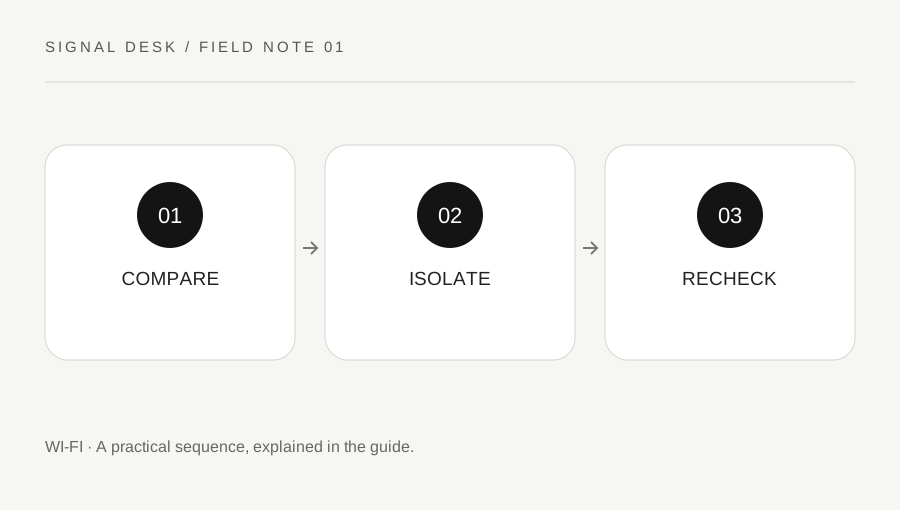
The Wi-Fi symbol confirms a wireless connection, not a working route to every website. A few comparisons can narrow the fault before you change settings or restart the whole household.
Read the complete guide ↗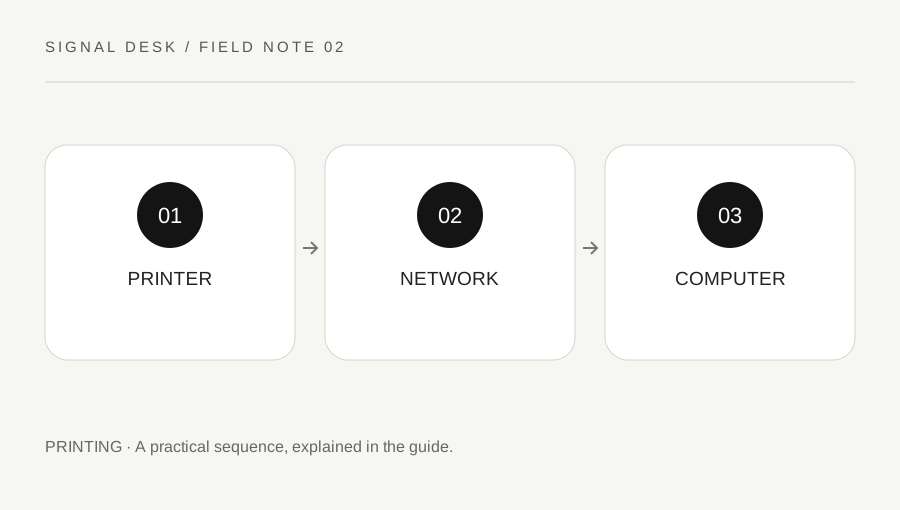
Printing4 min read
A printer can be powered on and still be absent from a computer. Check its own status, the shared network and the selected connection method before rebuilding its setup.
Read the complete guide ↗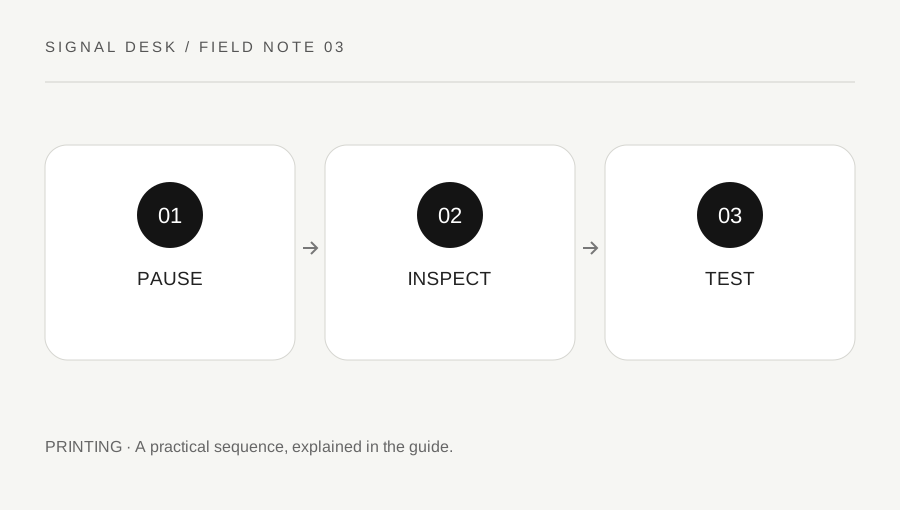
Printing4 min read
Repeatedly pressing Print can turn one stalled job into a pile of unexpected pages. Inspect the queue, printer readiness and original document before making broader changes.
Read the complete guide ↗
Bluetooth4 min read
Connected headphones are not necessarily the selected sound output. Trace the device, system and application controls in order, then check whether the problem changes during a call.
Read the complete guide ↗
Wi-Fi4 min read
A connection that fails in one place needs a controlled comparison. Measure what you can repeat before buying equipment or changing every router setting.
Read the complete guide ↗
Method4 min read
A short, structured record makes technical support easier and prevents the same unsuccessful steps being repeated. Keep observations separate from guesses and share only the details needed.
Read the complete guide ↗
Wi-Fi4 min read
A rejected password does not automatically mean the router needs resetting. Confirm the intended network, the credential source and the exact point of failure before changing a working setup.
Read the complete guide ↗
Wi-Fi4 min read
When a network name disappears, first find out whether the device sees any networks and whether another device sees yours. Those two observations point to different next checks.
Read the complete guide ↗
Wi-Fi4 min read
A problem that appears after sleep needs a before-and-after comparison. Preserve the working state, note the wake conditions and test a small recovery before changing system power settings.
Read the complete guide ↗
Wi-Fi4 min read
When most browsing works, a single failing website needs its own comparison. Check the address, message and application before resetting a connection that may be functioning normally.
Read the complete guide ↗
Wi-Fi4 min read
A brief page load and a continuous call place different demands on a connection and device. Record what freezes and compare a simple call setup before blaming one piece of equipment.
Read the complete guide ↗
Printing4 min read
A paper mismatch message is a request to compare settings, not simply to add more paper. Read the document, print dialog and printer tray information together before retrying.
Read the complete guide ↗
Printing4 min read
A blank sheet can result from a document choice, a print setting or a printer condition. Use a small source-independent test before running repeated cleaning cycles or replacing supplies.
Read the complete guide ↗
Printing4 min read
A USB connection has several visible checkpoints: printer readiness, cable path, computer detection and the print destination. Keep them separate so a simple connection fault does not become a complete reinstall.
Read the complete guide ↗
Printing4 min read
Mobile printing depends on the printer, its network route and the application. Confirm those pieces before installing unfamiliar software or changing the home router.
Read the complete guide ↗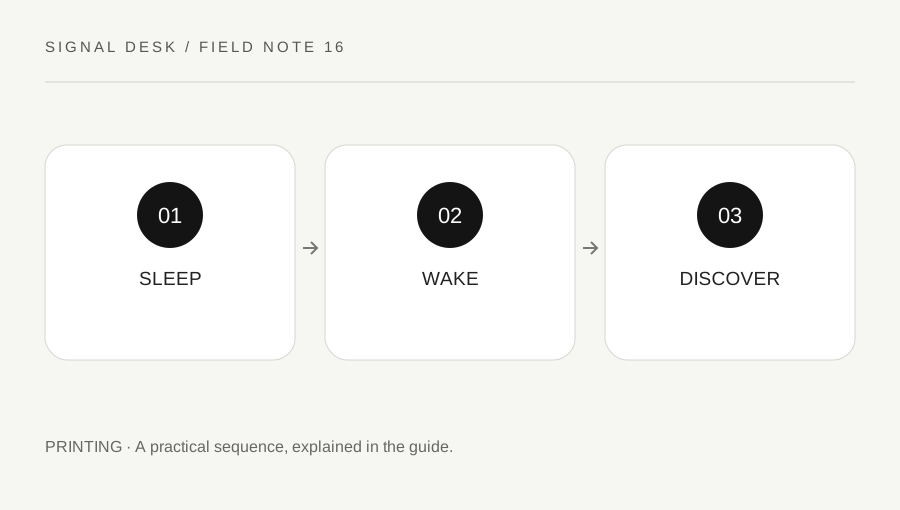
Printing4 min read
A printer that works after a restart but disappears later needs a repeatable timeline. Distinguish waking the physical device from restoring the computer’s selected connection.
Read the complete guide ↗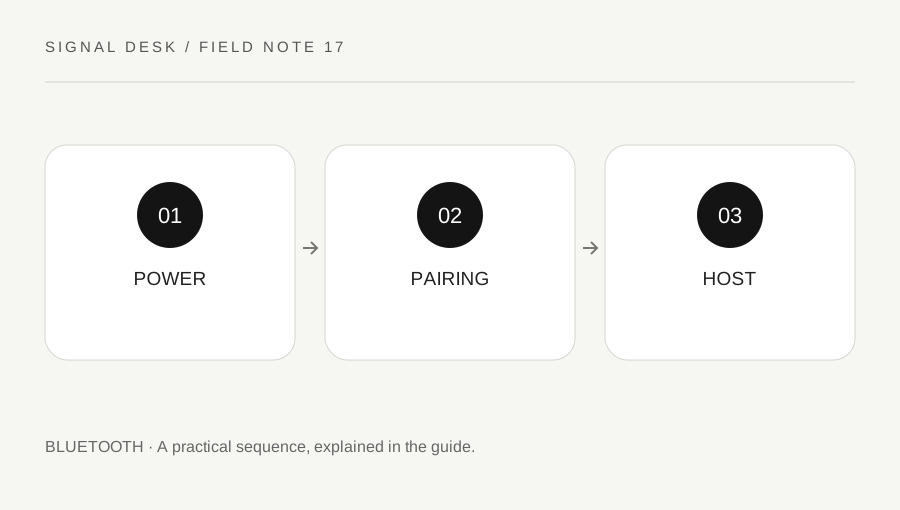
Bluetooth3 min read
Powering an accessory on is not always the same as making it discoverable. Confirm the model’s pairing procedure and the intended host before removing saved devices.
Read the complete guide ↗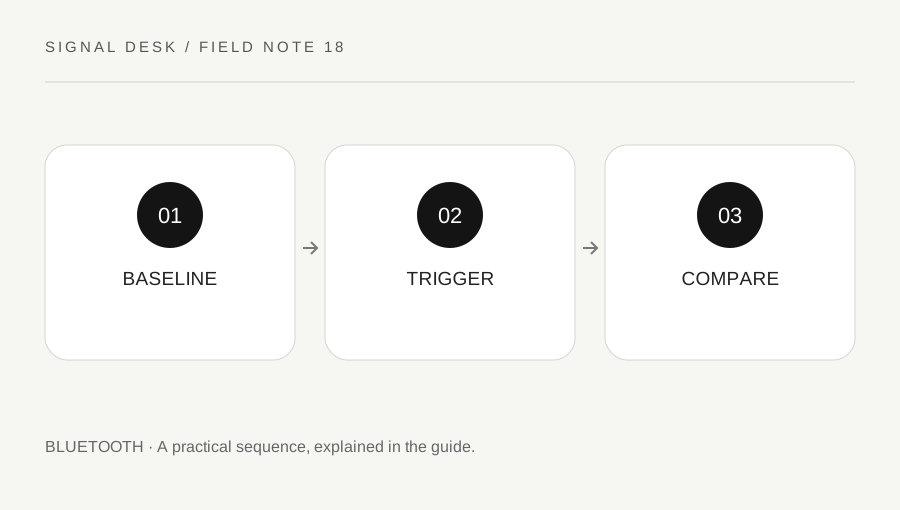
Bluetooth4 min read
An intermittent Bluetooth fault is easier to investigate when you know when it disconnects and what changes around it. Compare a stable baseline before clearing pairings or replacing hardware.
Read the complete guide ↗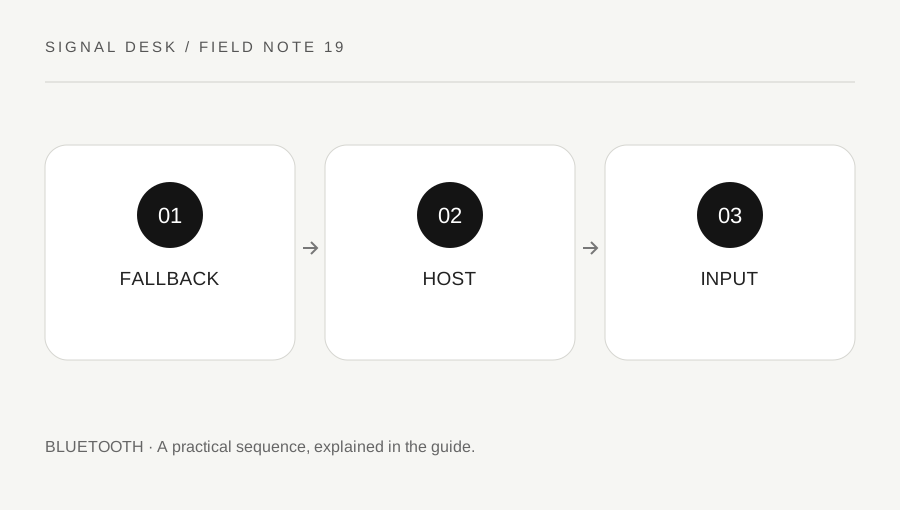
Bluetooth4 min read
Before removing a stalled input device, make sure you can still control the computer. Then distinguish power, host selection, pairing and application behavior with a small test.
Read the complete guide ↗
Bluetooth4 min read
One silent earbud can involve the source, balance setting, charging contact or the accessory itself. Test gently at a safe volume and use the model’s procedure before attempting a reset.
Read the complete guide ↗