Wi-Fi Drops in One Room: Make a Repeatable Connection Test
A connection that fails in one place needs a controlled comparison. Measure what you can repeat before buying equipment or changing every router setting.
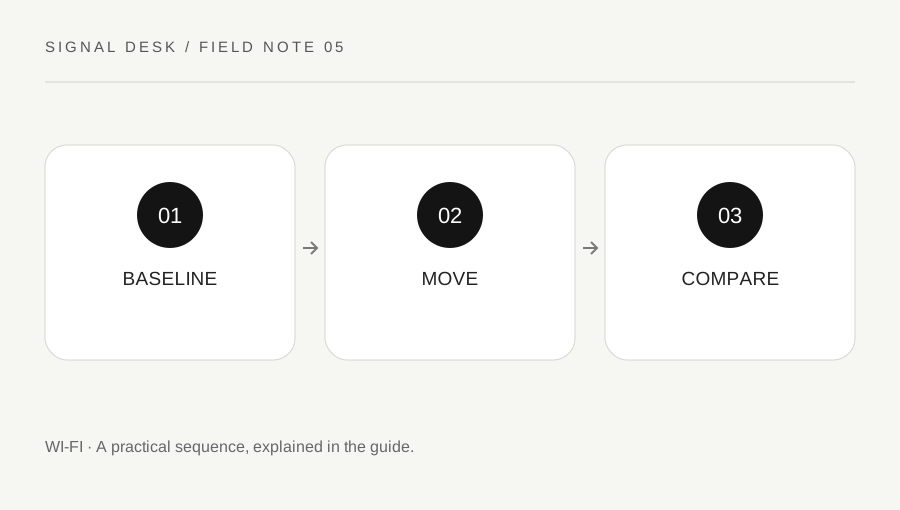
Original explanatory diagram. Numerical examples in this guide illustrate the reasoning; they are not a claim of hands-on testing.
Define the failure in everyday terms
Describe whether the device disconnects from Wi-Fi completely, stays connected but loads slowly, or loses only a particular video call. These are different observations. Record the room, approximate position, time and activity. Note whether the device was moving, waking from sleep, using battery power or handling a large background transfer when the problem appeared.
Choose one short task you can repeat, such as loading the same two ordinary websites or playing the same brief online clip. Use the same device and application for the first comparison. A single speed-test number can vary for reasons beyond the room, so avoid treating it as a complete diagnosis. Record a simple outcome and duration as well as any numerical result you choose to collect.
Make a near-and-far comparison
Test in a practical location nearer the main access point, then in the problem location. Keep the task and device similar and repeat at another time if the issue is intermittent. Do not place equipment on an unstable surface or trail cables across a walkway to improve a test. The point is to gather useful evidence under conditions you could reasonably use.
Try a second device in both places when available. If both struggle only in the distant location, coverage or local conditions become plausible questions. If one device struggles everywhere while another works, its settings, software or hardware deserve attention. Mesh networks and multiple access points can complicate the comparison, so note which network name and access point information the device actually reports where practical.
Change placement before advanced configuration
Check that the router or access point is not enclosed in a metal cabinet, crowded behind equipment or placed where it overheats. Follow its ventilation and installation guidance. Consider an accessible, open position within the limits of the existing service connection. Do not move a provider's equipment or disconnect unfamiliar wiring without knowing what it serves.
Before changing bands, channels or mesh settings, read the manufacturer's current instructions and record the original values. An automatic selection may already be intentional, and a setting suitable for one home may be unsuitable for another. Avoid increasing transmit power beyond permitted settings or disabling network security. If the network belongs to a workplace, rental property or shared building, send your comparisons to its administrator.
Use an illustrative room test
Imagine that video calls fail at a desk behind two interior walls but work at the kitchen table. The same laptop remains stable at the kitchen table at two different times. A phone also struggles at the desk, with cellular data disabled for the check. This pattern supports investigating coverage or conditions around the desk, while still leaving other possibilities open.
A small, safe access-point placement change improves the desk result. Repeat the original call-like test at the same desk rather than relying on the network icon alone. If the improvement occurs only once, keep observing. If both locations fail at the same busy time, the investigation may shift toward shared usage or the service connection. The value of a controlled comparison is that it can change your next question.
Decide whether equipment advice is justified
Buying another device is a later decision, after you know the scope and the constraints. Record the home layout only at a level needed for support, the relevant connection points, device capabilities and repeated results. Check whether the provider or manufacturer supports an extension method that suits the existing equipment. This journal focuses on the diagnosis rather than a list of products to buy.
If calls are essential, use an available stable location or approved wired connection while the fault is investigated. Do not keep using a damaged cable or unsafe temporary arrangement. Ask for help when a connection is unstable even close to the main access point, when service indicators are abnormal, or when the test results are inconsistent. Share what worked as carefully as what failed; both observations prevent unnecessary changes.
A practical checklist
Tick items for your own use. This checklist is saved only in this browser.
Questions that come up
Can a single speed test tell me to buy a mesh system?
It cannot establish the cause by itself. Compare locations, devices and times, then review the supported options for the home and existing network.
Should I choose a band solely by its name?
No. Range, device support and local conditions matter. Follow the router and device guidance and compare the actual result.
Why test at a second time?
A repeat can distinguish a persistent location issue from a temporary service event or competing use, although it still does not identify every possible cause.
References & scope
Background references checked on 18 October 2026. The examples and practice exercises are original editorial explanations, not copied procedures or professional advice.